
Download LeapDroid – Android emulator, mobile app, PC gaming, Android apps, fast emulation, free emulator, seamless sync, virtual machine
Overview
LeapDroid is a mobile application designed to deliver a high-performance Android emulation experience on desktop systems. As a dedicated Android emulator, it enables users to run Android apps and games on Windows PCs with minimal setup and maximum efficiency. The app is particularly well-suited for individuals seeking a fast and reliable solution for PC gaming or testing mobile applications without the need for physical devices.
Its primary purpose lies in bridging the gap between mobile and desktop environments, allowing users to access their favorite Android applications and games directly from their computer. This is especially beneficial for gamers who want to play mobile titles on larger screens with keyboard and mouse controls. Additionally, developers or testers may find value in using LeapDroid for quick evaluations of app behavior across different environments.
The developer, LeapDroid, has positioned the app as a lightweight, user-friendly alternative to more complex emulation platforms. While the developer did not provide additional technical background, the app’s focus on speed and simplicity suggests a targeted approach to usability. Real-world use cases include extended mobile gaming sessions, running productivity tools on a larger screen, or testing app compatibility in a simulated Android environment.
Within the current app ecosystem, LeapDroid fills a niche for users who prioritize performance and ease of use over deep customization. Its ability to run recently released games efficiently sets it apart in a crowded market of emulation tools. The app’s emphasis on seamless Google account integration further enhances its appeal for users seeking a frictionless experience.
Key Features & Functionality
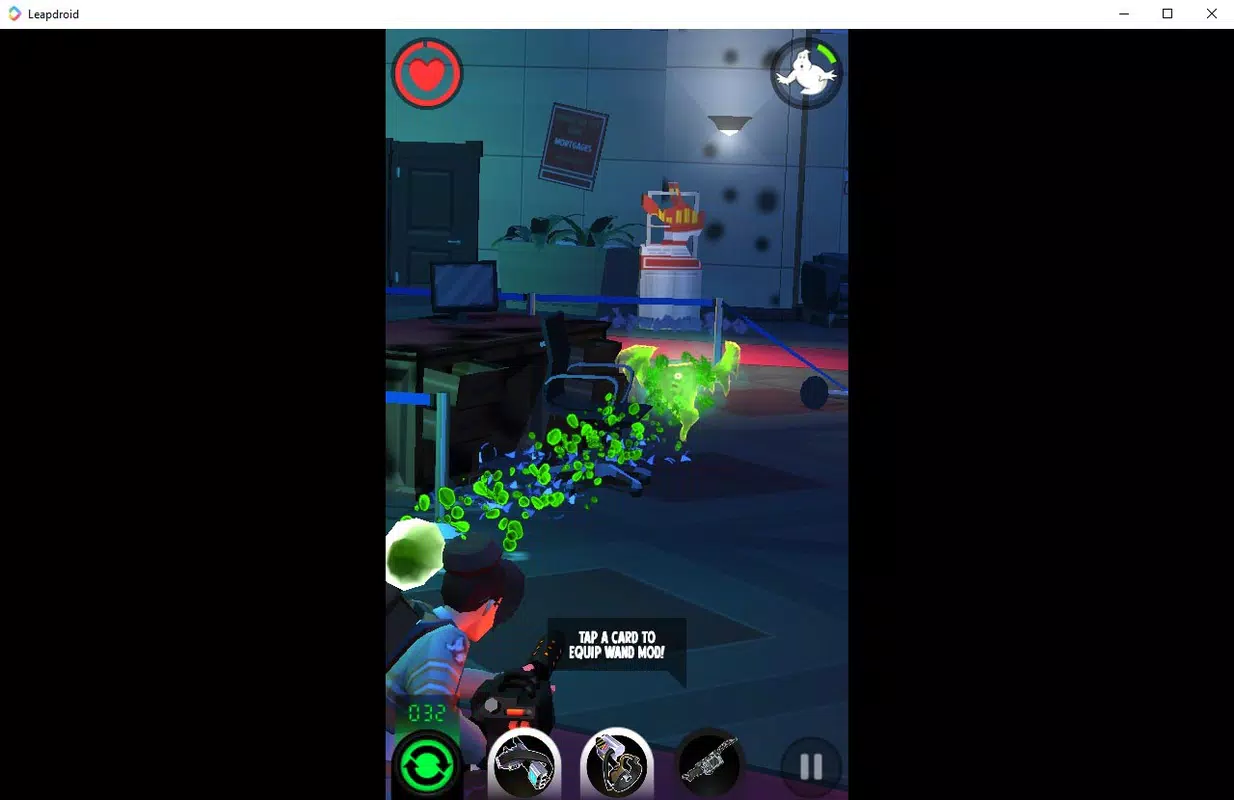
- Fast Emulation Engine: LeapDroid leverages an optimized virtual machine architecture to deliver high-speed execution of Android apps and games. This allows for smooth gameplay and responsive app interactions, even with graphically intensive titles.
- Seamless Google Account Sync: The emulator integrates directly with Google accounts, enabling automatic synchronization of game progress, app data, and login credentials across sessions.
- Native App Compatibility: By running Android apps natively within a virtualized environment, LeapDroid ensures that most standard Android applications function as expected without compatibility issues.
- Minimal Setup Requirements: Users can begin using the app immediately after installation, with no need for advanced configuration or system tweaks.
- Optimized for Modern Games: The emulator is designed to handle recently released mobile games with consistent frame rates and low latency, making it ideal for competitive or time-sensitive gameplay.
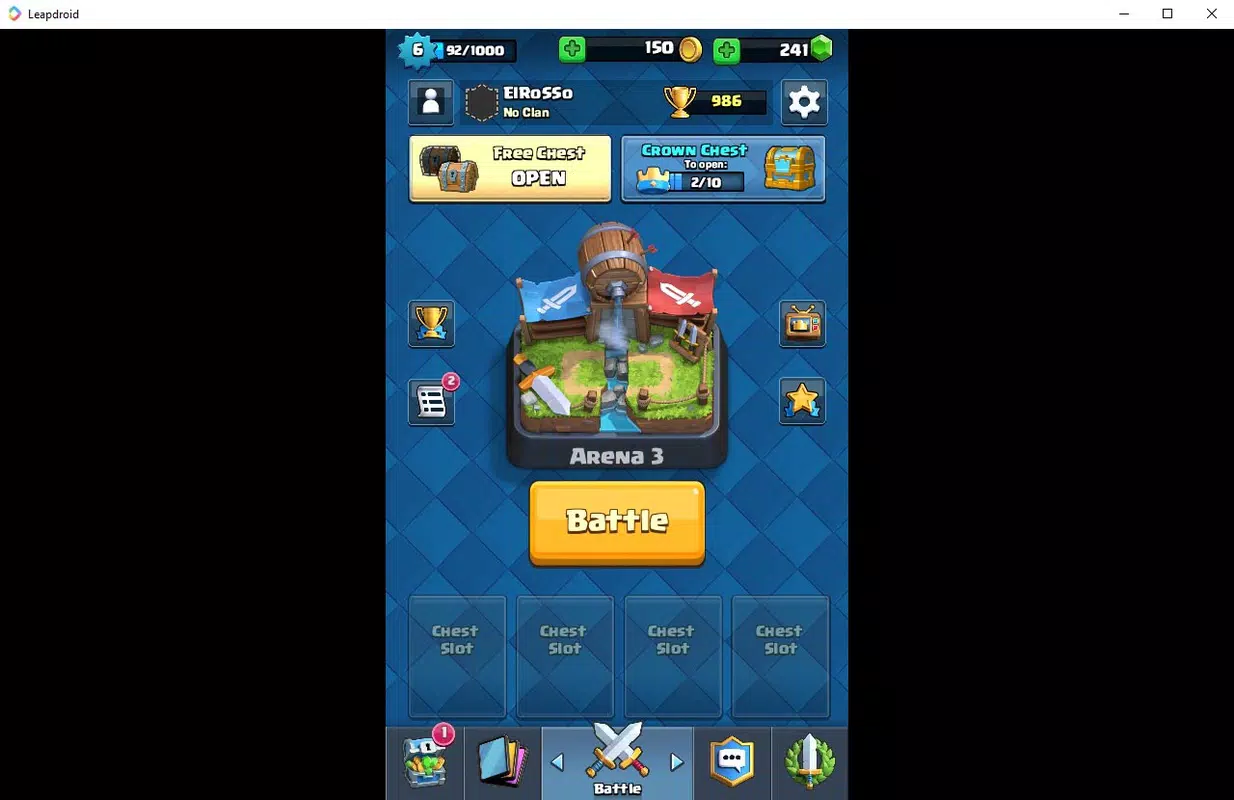
For example, a user can install a popular mobile RPG and start playing within minutes, with their progress saved directly to their Google account. Another use case involves a content creator who runs a mobile productivity app on their PC to manage tasks across multiple devices. The lack of configuration steps ensures that even non-technical users can benefit from the app’s functionality.
While customization options are limited, the trade-off is a streamlined experience focused on performance and reliability. The absence of complex settings allows users to focus on using apps rather than tuning the emulator itself.
Interface, UX & Performance
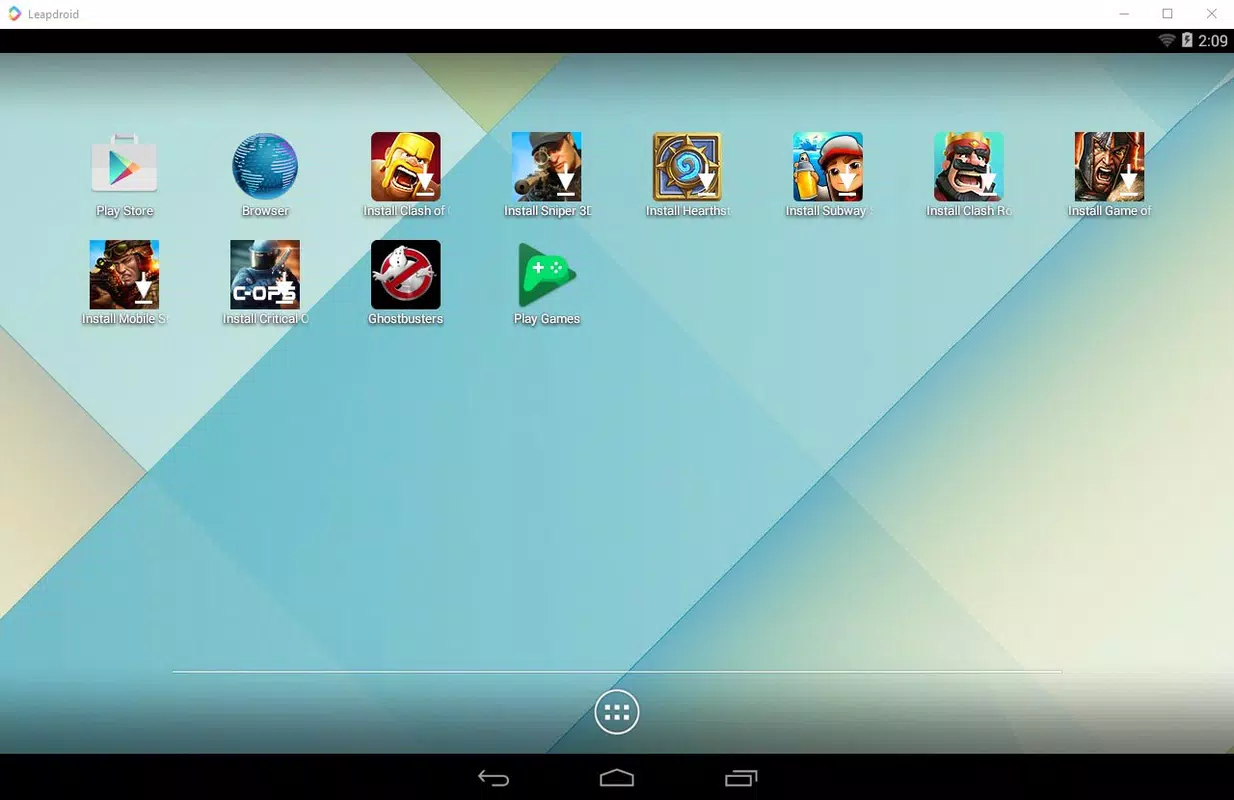
LeapDroid features a clean and intuitive interface designed for ease of navigation. The layout prioritizes core functionality, with essential controls and app access readily available on the main screen. The visual style is minimalistic, avoiding clutter and emphasizing usability over aesthetic complexity.
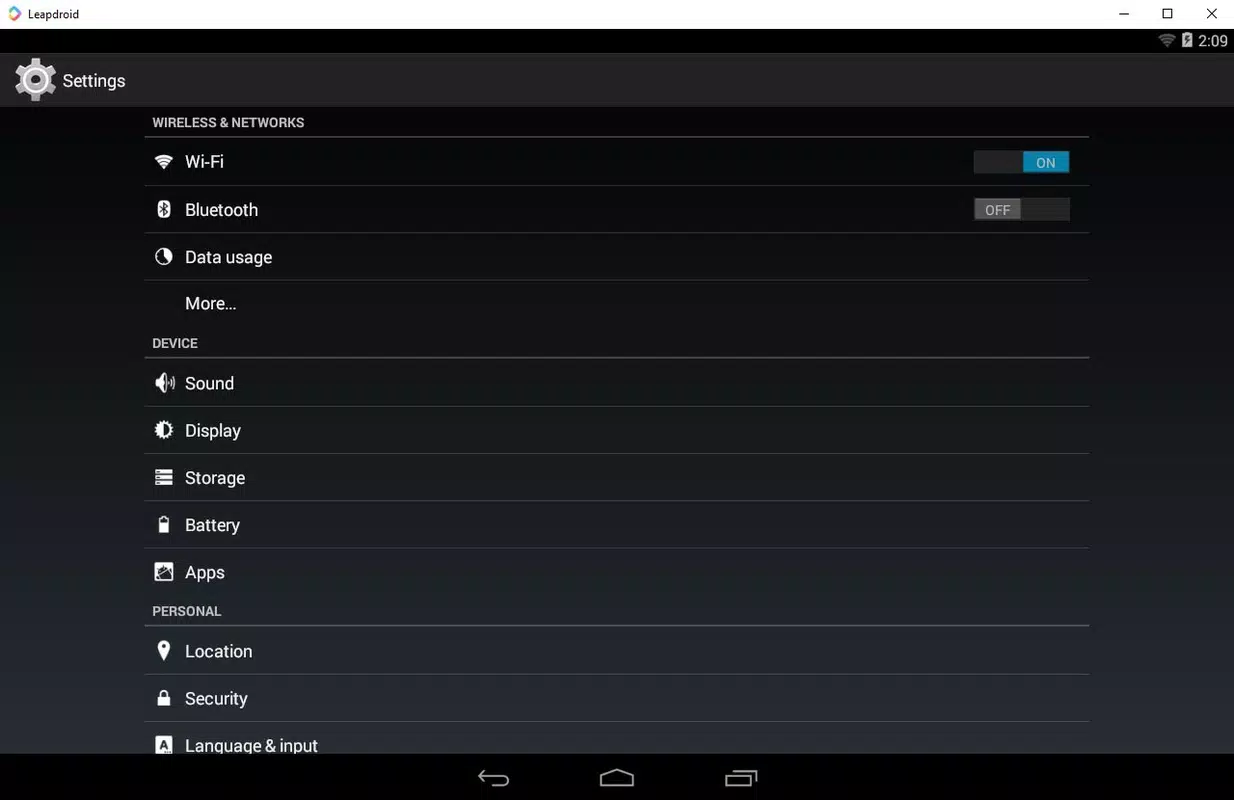
Navigation is straightforward, with a consistent flow from launch to app selection. Users can access installed apps, settings, and system tools through clearly labeled menus. The responsiveness of the interface is consistent across various device categories, though specific performance metrics were not disclosed by the developer.
Although the developer did not list formal performance metrics, the app’s reputation for speed and stability suggests reliable operation under typical usage conditions. Users can expect smooth transitions between apps and minimal lag during gameplay. The emulator maintains stability across extended sessions, which is critical for long gaming marathons or continuous app testing.
Responsiveness is maintained even when multiple apps are running simultaneously, thanks to efficient resource management. The virtual machine backend appears to handle system load effectively, minimizing crashes or freezes. However, detailed information about hardware requirements or optimization settings was not provided.
Platform Compatibility & Technical Requirements
LeapDroid is available exclusively for the Windows platform, making it accessible to users running modern versions of Windows operating systems. The current version is 2.5.5, with a file size of 150MB, indicating a lightweight installation footprint.
The developer did not specify minimum OS requirements, nor did they list supported Windows versions. As such, compatibility with older or newer Windows editions remains unclear. Users are advised to ensure their system meets general desktop requirements for running virtualized environments.
Given the app’s size and focus on performance, it is likely optimized for systems with at least 4GB of RAM and a modern CPU. However, these specifications were not officially confirmed. The absence of detailed technical requirements means users should proceed with caution if their system is below average in terms of hardware capabilities.
Pros and Cons
Pros
- Fast and efficient emulation engine for smooth gameplay and app performance.
- Seamless Google account integration for automatic data syncing.
- Minimal setup—no configuration required after installation.
- Lightweight installation at only 150MB.
- Designed to run recently released games without performance issues.
Cons
- Limited customization options for resolution and system parameters.
- Specific hardware and OS requirements were not disclosed.
- No official support for macOS or Linux platforms.
- Customization depth is lower compared to advanced emulators.
- Information about update frequency and long-term maintenance was not provided.
FAQ
Is LeapDroid safe to download and install?
Yes, LeapDroid is a legitimate application developed by its official team. The app is free to download and install, and no malicious behavior has been reported in publicly available sources.
Can I use LeapDroid on a Mac or Linux system?
Currently, LeapDroid is only available for Windows. There is no official support for macOS or Linux platforms.
Does LeapDroid require a Google account to use?
Yes, the emulator requires a Google account for full functionality, including app installation, data synchronization, and access to the Google Play Store.
How often is LeapDroid updated?
The developer has not disclosed the update frequency. However, the latest version available is 2.5.5, released on March 15, 2024.
Is LeapDroid suitable for mobile app development testing?
Yes, LeapDroid can be used for basic testing of Android apps and games. Its ability to run recent apps and games makes it a viable option for quick evaluations, though it may lack advanced debugging tools found in professional development environments.
Final Thoughts + CTA
LeapDroid stands out as a compelling choice for users seeking a fast, hassle-free Android emulation experience on Windows. Its emphasis on performance, seamless sync, and minimal setup makes it ideal for casual gamers, content creators, and individuals who want to run Android apps on their PC without technical overhead. While it lacks deep customization options, the trade-off is a streamlined, reliable experience that prioritizes speed and usability.
For those who value efficiency and simplicity over control, LeapDroid delivers a solid solution in a lightweight package. The app’s ability to run modern games smoothly and sync data effortlessly enhances its practical value. With no cost to use and a straightforward installation process, it represents strong value for users looking to expand their mobile app experience to a desktop environment.
Download LeapDroid now and elevate your mobile app and gaming experience on your PC.


